Whallet keeps track of every currency and every installment
A balance tells you how much is in an account today, but it does not show the money you hold in other currencies or the money already committed to…
6 min readBy Whilehaus
A balance tells you how much is in an account today, but it does not show the money you hold in other currencies or the money already committed to installments, loans and shared expenses. Whallet keeps each account in its own currency and puts what is committed right beside it. Each feature works on its own, and together they make another way to keep track of money, different from the spreadsheet, from the bank's app and from the apps where every expense goes in through a form.
A personal, multi-currency ledger
Whallet is a personal ledger: your bank, your cards, your wallets, your cash and your crypto go in, each in its own currency. Alongside them sit your installments, your debts, your shared expenses and your investments.
Data goes in by hand, from a CSV or from your AI agent, if you already use one: Whallet does not come with an agent of its own, and yours connects with the permission you choose when you set it up. Whallet does not connect to any bank or move money either: it records what you or your agent enter.
Whallet is already live at wallet.whilehaus.net, where you sign in with an account from another service or with your email. In Settings you choose the base currency, the one everything adds up in, and a second one that appears next to each balance. A guided tour walks you through the first steps, the interface is available in eleven languages, and on your phone you install it as a web app.
Each account in its own currency, with the rate saved
In Accounts, each account is created with its type and its currency: cash, bank, credit card with its limit, loan, investment, belonging or crypto. A card or a bank that handles two currencies is set up as a group, with one account per currency.
If you paid in euros with a card billed in dollars, the transaction keeps the amount in euros and its conversion to dollars. You choose the exchange rate for each currency pair in Settings: one from a market source, a fixed one you enter by hand, or the market rate adjusted by a percentage.
When you move money from one currency to another, the transfer records what went out and what came in, and the fee is booked as an expense of the account that paid it.
Each transaction keeps the rate from the moment it was entered, so what already happened does not change when the rate moves.
A purchase in installments goes in as a plan
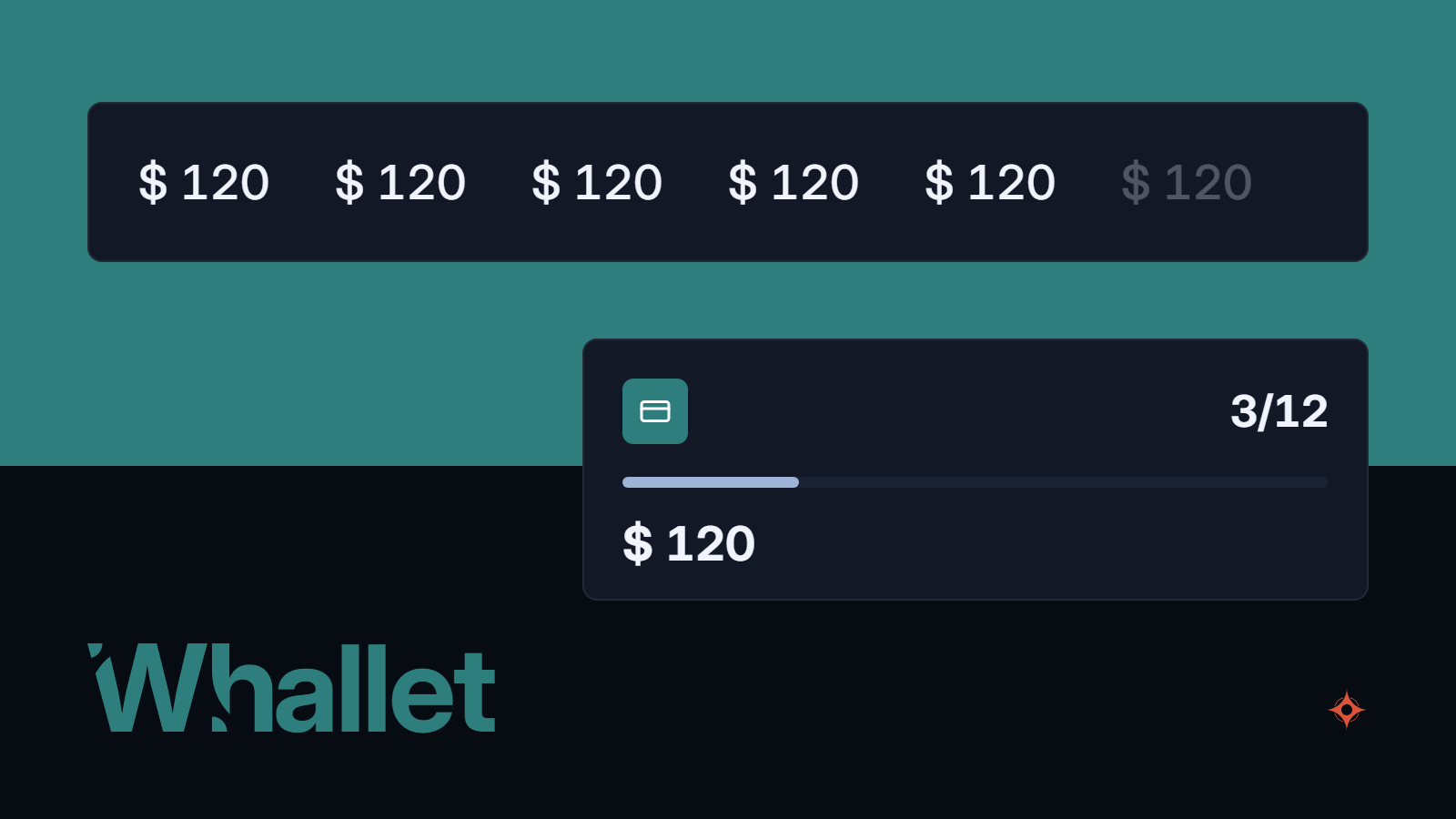
When you add an expense on a card, you turn on the In installments option and fill in the total, how many installments there are and which one you are on. This month's installment goes in as a real transaction, and the ones still to come stay as future expenses, without touching the balance until you record them.
When the statement arrives, you record the next installment with the plan's button or ask your agent to do it. And if an expense looks like an installment, Whallet asks you whether it belongs to an existing plan.
The Installments screen shows what is committed, how much falls in each of the coming months, and each plan with its installment amount, its progress and its next due date.
Debts and loans, with principal and interest kept apart
In Debts you record what you owe and what you are owed, with the person, the amount, the start date and the due date. Money you were lent can be credited to the account where it arrived, without counting as that month's income, and each payment can be deducted from the account you paid with.
If the loan carries interest, each payment is split into principal and interest: Whallet estimates them from the contract rate and you can correct them with the receipt. The debt goes down by the principal portion, and anything else the payment includes, such as insurance or a tax, is recorded as other charges.
Both the debt and each payment keep their value in your currency as it stood on the day they happened, and from those figures, not from the contract rates, Whallet calculates a real annual rate: what the loan costs you or earns you per year, measured in your currency.
A debt in another currency has two figures: what it was worth in yours on the day it began and what it is worth today.
Shared expenses that are not counted twice
In Shared you set up a group for a trip, an event or the household, with a weight for each member: a couple can count as two. Each expense is split in equal parts according to that weight, by exact amounts, by percentages, or by shares you set for that expense. Anyone without an account joins through a private link.
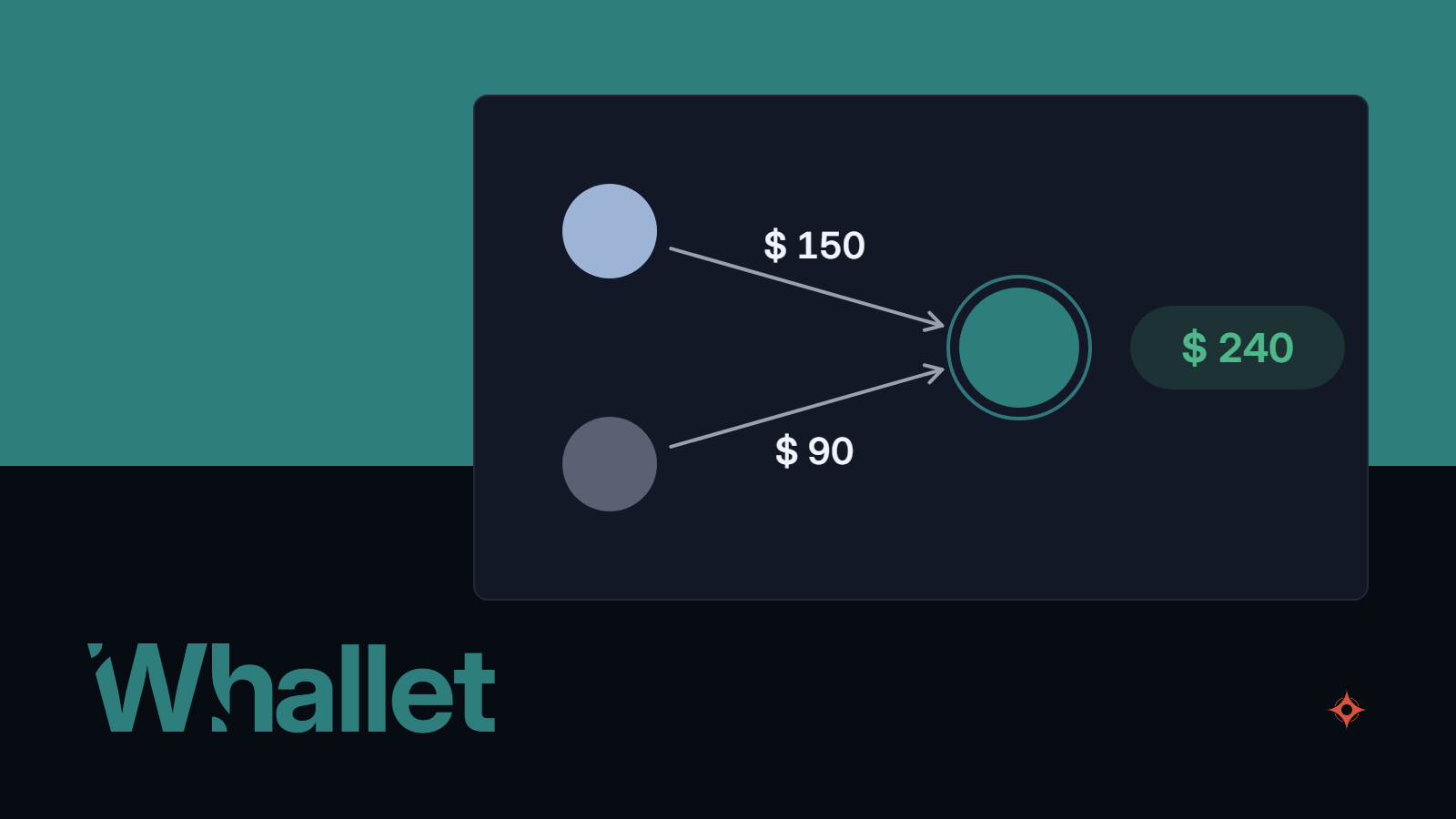
If you paid with an account linked to the group, your ledger records the real transaction and the others' share as money owed to you, so the expense is not counted twice.
In the group you see each person's balance and the fewest payments needed to settle up, you record those payments and you close the group.
Investments and net worth, right beside your accounts
An investment can be tracked in three ways, and an existing account can become an investment without losing its history.
- Manual. You enter by hand the value of a belonging or of a portfolio you do not want to itemize.
- Positions. Each asset carries its quantity and its average cost, and it is valued with the quote Whallet pulls from a market source or, if it cannot find the symbol, with the one you enter by hand.
- Yield. You enter the principal and its annual rate, and the interest is credited when you tap Accrue or ask your agent to do it.
The investments view shows value, cost, gain or loss, effective annual rate, a twelve-month projection and a historical return that leaves out the money you put in or took out.
In Net Worth you see what you own minus what you owe, in your base currency, by type and by account. And for planning there are budgets by category with their limits, recurring payments you record on each due date, and savings goals.
Whallet among the other ways to keep track of money
The spreadsheet gives you full control over the format and an AI agent can edit it too, but exchange rates, future installments and loans are built with formulas of your own, and nothing checks that the books balance.
The app from your bank or wallet shows its transactions instantly, without you entering anything, and some come with an assistant of their own. What it does not see is everything outside that institution: another bank, cash, another currency or the money you lent a friend.
The apps where every expense goes in through a form have been around for years and are simple; many handle multiple currencies and some work offline. Your agent, on the other hand, cannot get into them, and they generally do not separate principal from interest or keep future installments as a plan.
The shared expenses app splits a trip or a household well among several people, guests included, although what is shared stays apart from your accounts and your net worth.
Whallet is one more option among these, and whether it suits you depends on how your money is spread out.
- It works for you if you want to see together the money you hold in several currencies and places, if you buy in installments, if you have loans with interest or have lent money to someone, or if you share expenses and do not want to count them twice.
- It does not work for you if you want transactions to come in on their own from the bank, if you need to enter data offline, if you are looking to be told what to do with your money or if you need to take all your data with you, because it exports only transactions, in CSV and from a computer.
What you have and what you have already committed. Side by side.