In Markery, each brand lives in its own space with its team
Markery keeps a business's brand in a space of its own, written down in documents that the people on the team read, along with the agent each of them connects.
7 min readBy Whilehaus
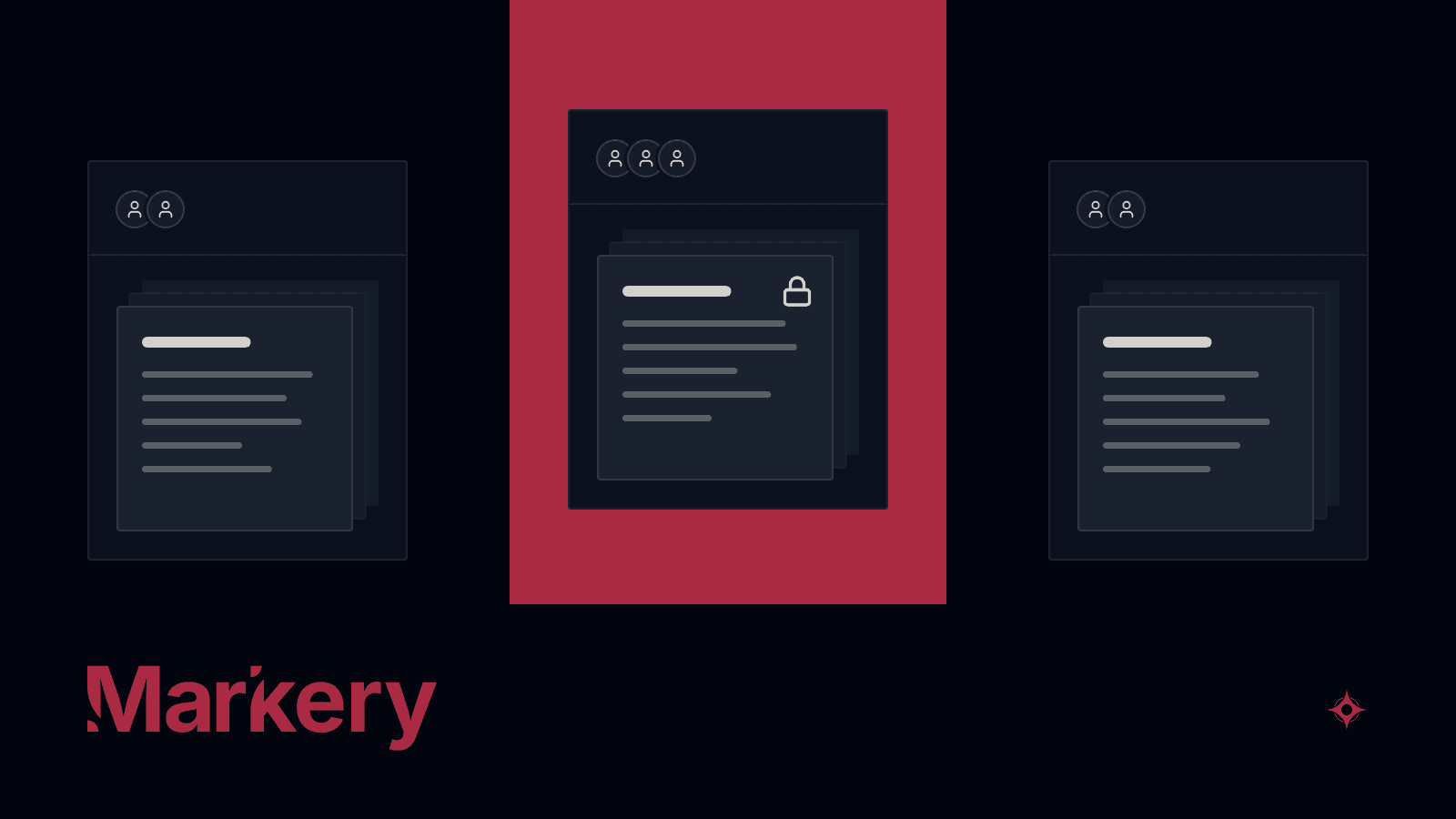
Markery keeps a business's brand in a space of its own, written down in documents that the people on the team read, along with the agent each of them connects.
Markery is already running and you can open it today: the Whilehaus brand manual lives inside it. This post walks through what a brand's space holds and how it is used, from the team and the documents to the strategy and the agent. Markery also carries the brand's content all the way to publishing, with a sign-off before anything goes out, and that path has a post of its own.
What each brand's space holds
Every Markery account has a Personal space and can create companies; projects are created inside a company or inside Personal, and if you work for clients, there can be one project per client. Every document, idea, post and campaign belongs to a space, and whatever you create with New lands in the space you have open in the switcher at the top of the screen. What is written for one brand stays in its space and never mixes with another brand's.
The first time you sign in, Markery asks you to pick your case: you run a company, you work for clients, or the brand is you. From then on, the space opens on a dashboard that recommends what to do next based on what you have already done.
The team is invited by email from Members, in the space settings. Everyone who joins gets one of ten roles defined by craft, such as Art Director, Designer or Client, and that role sets their access to each of the app's four modules (the brand module, Marketing, Social and System): none, view, edit or admin. The files the team uploads can go to the space's own Drive, organized by company and module, and the files from documents and posts all show up together on the Assets page. The interface, on top of that, is available in eleven languages.
The brand, written as documents with sections
Documents start from a template with sections, and there are templates for the brand manual, the brief, the design system, the social media manual and the sonic identity, among others. You create a document with New and fill it in section by section, by hand or with the agent, which you can ask to bring the manual you already have as a PDF into Markery, or to build one from scratch by asking you questions.
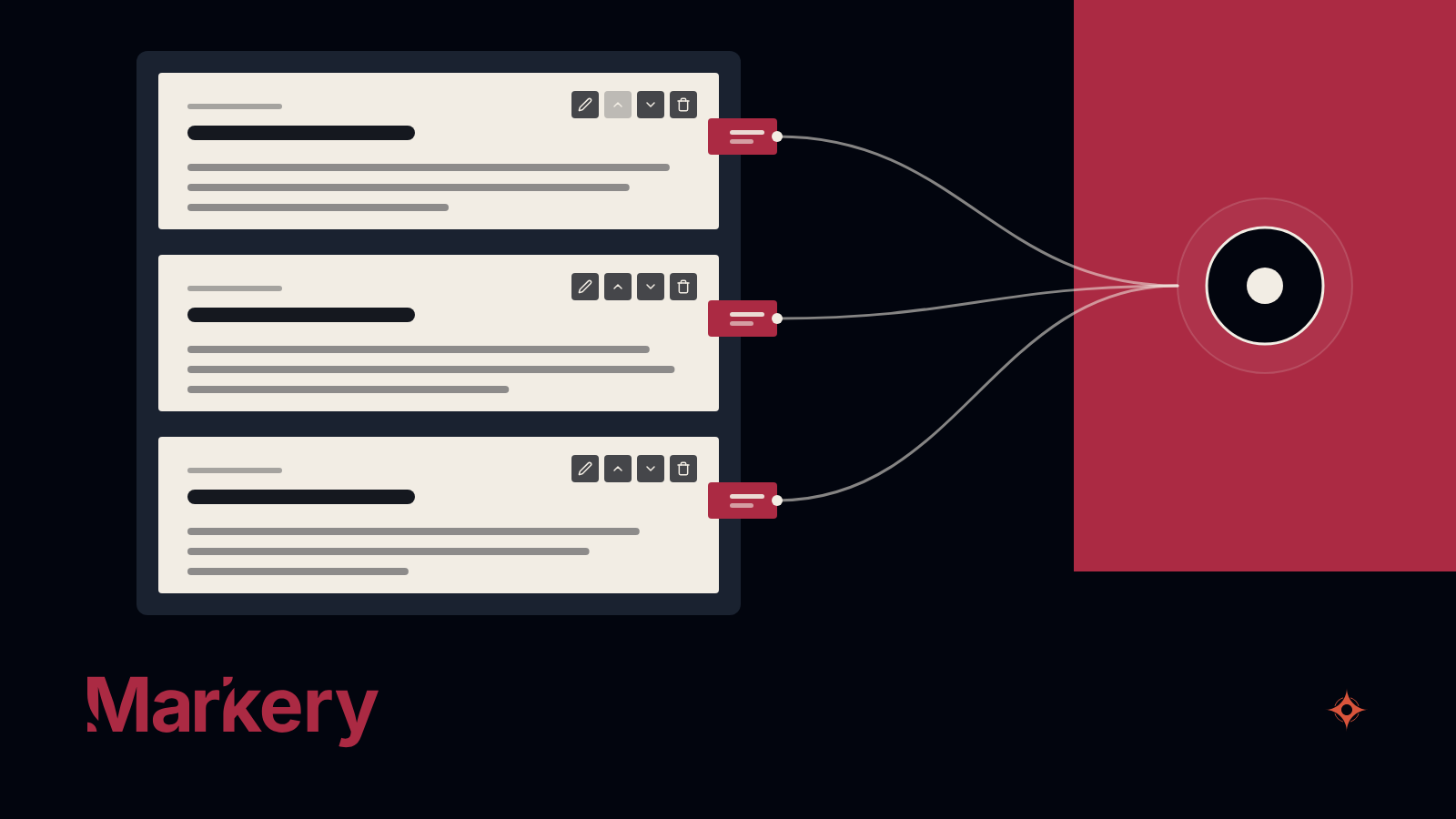
Every document and every section also carries a note for agents, written for them rather than for whoever reads the manual. The figure shows how those notes travel from the sections to the connected agent.
Each section carries a note that says what it contains and when to use it, and the agent reads that note along with the content.
The design system comes in three ways: you import one that already exists, you build it in Markery, or you generate it with the agent from a prompt that Markery prepares. To build it, you choose colors, typefaces, spacing and corner radii, and Markery produces the tokens, the CSS, a README and a specimen sheet. After that, in System, the design system turns into a component kit with its own specification.
Finished work gets locked and shared
When a document is finished, it can be locked, and from then on nobody rewrites its content until someone unlocks it. A person sets the lock and a person removes it, and it stops the app and the agent alike.
Locked or not, the document has a Share button, which first asks which version to show and then who can open its own address: anyone, whoever has the private link with its password, whoever knows the six-digit PIN, or only the people who already have access.
Strategy, between what is known and what is decided
In Marketing, the strategy also lives in documents, in two layers: research documents, such as the business profile, the competition or the audience, and definition documents, such as the positioning, the message house or the channel plan. Research holds facts, and definition holds decisions.
Campaigns have their brief, their posts and their numbers, which a person or the agent enters, because those numbers do not flow in from the social networks on their own.
The agent each person connects, with its permissions
The agent you already use connects over MCP, at https://markery.whilehaus.net/api/mcp, in one of two ways: through the connector, with OAuth and nothing to paste, or with a token created by hand. There are guides for several MCP clients.
On the authorization screen, the person connecting chooses which space their agent works in and what it can do there, and creating a token offers the same permissions. The figure shows those permissions in three groups.
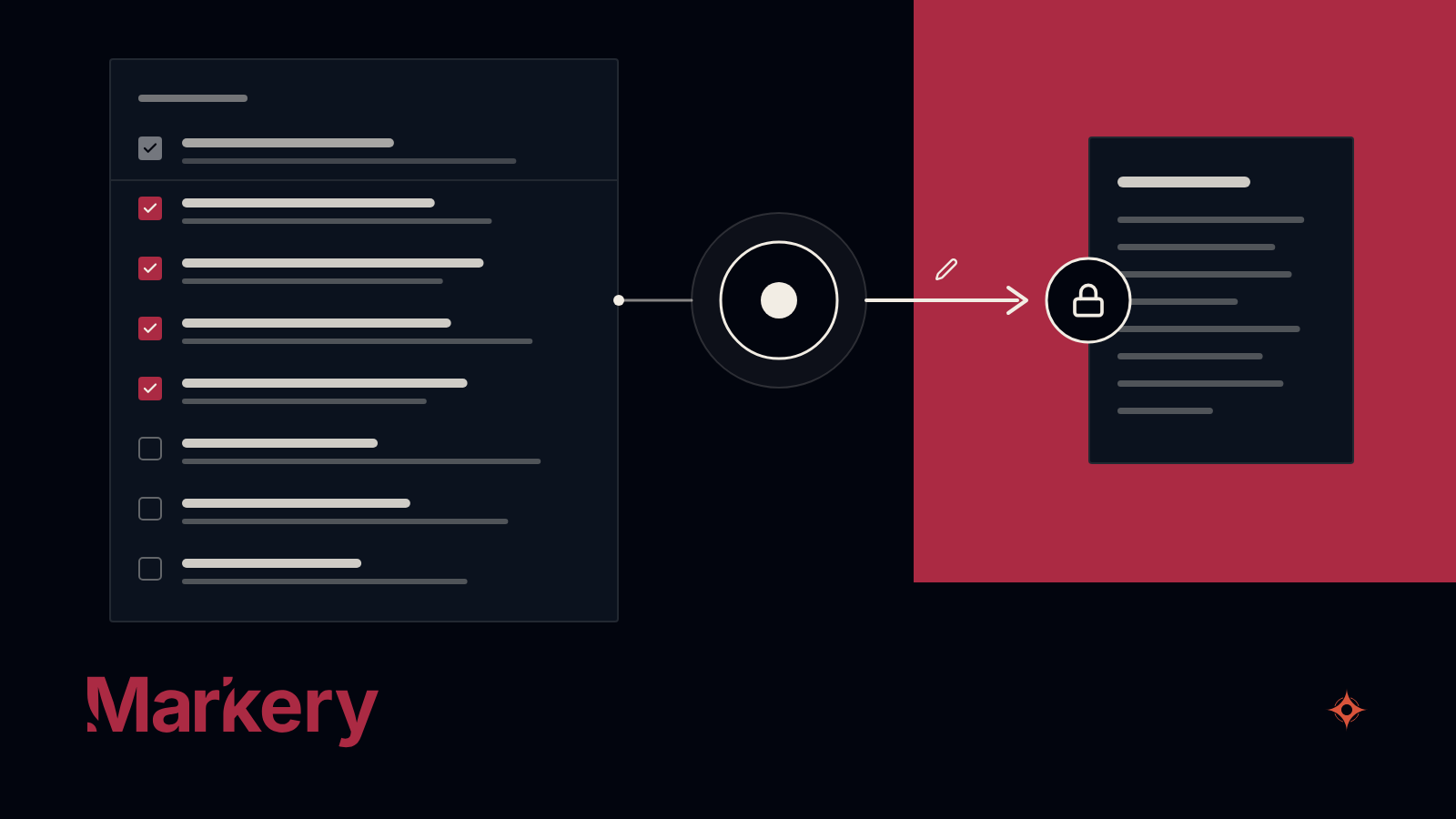
- Always. The agent reads what the team wrote: the documents with their notes, the identity and the voice, the social media manual, the strategy and the working guides for each stage.
- Checked when connecting. It can create and write documents, write the social media manual with its ideas and posts, create campaigns and enter metrics, and update the graph that links the space's documents and projects.
- Off on purpose. It schedules posts, updates what is already published or manages the space's blog only if the person connecting checks those permissions.
Each person's agent can never do more than that person's current role allows, it only does what was enabled when it was connected, and a locked document stops it just like it stops anyone else.
A token created by hand is revoked from the settings. When the owner deletes a company or a project, which only the owner can do, everything that acted on behalf of that space is cut off: the publishing queue, the social accounts, the agents and whatever was public.
Markery ships without a model of its own: the intelligence comes from whoever uses it, through the agent they connect. Markery also works from the web without an agent, and in that case the documents are filled in by hand.
Where it fits among the other ways to keep a brand
Each of the usual ways to keep a brand handles its part of the job. By category, and based on what was surveyed in September 2026, this is what each one does well and what it lacks.
- The PDF and the shared folder. They already exist, they need no extra account, anyone can open them and they keep the design, but the agent does not read them unless someone pastes them in, and they go stale without warning.
- The agent's context folder. A project per client in the chat or a rules file in the repository is already set up, flexible and adds no account, but it is maintained and separated by client by hand, and what the agent writes stays in the chat or in the repository of whoever used it.
- The brand portal. It organizes who approves what, the permissions and the brand's files, shares the guidelines by link and in several cases already offers a connector so the agent can read them, but it does not schedule or publish to social networks, and it keeps no rules for each channel.
- The brand as a source for agents. These are products that start from the same idea as Markery, the brand organized so that any agent can read it; some also let the agent write and have locks per section, and others interview you to build the brand from scratch, but the ones surveyed do not schedule or publish to social networks.
Markery is one more option, and it fits if your brand needs to live in writing where your team and the agent you already use can read it. It also fits if you work with several clients who each need their own space, their own permissions and their own agents, and if you want what the agent produces to come back to the space to be reviewed and published. It does not fit if you are looking for a product that writes on its own or designs the posts, if you would rather not add another account to the ones you already keep, if you need to approve every change the agent makes before it is applied, or if you want to run ads or send email sequences.
One space per brand, read by everyone who writes for it.