In Markery, a sign-off stands between idea and post
Out of an approved topic come posts written for each channel, format and language, and every one of them goes through review. They are published only once…
7 min readBy Whilehaus
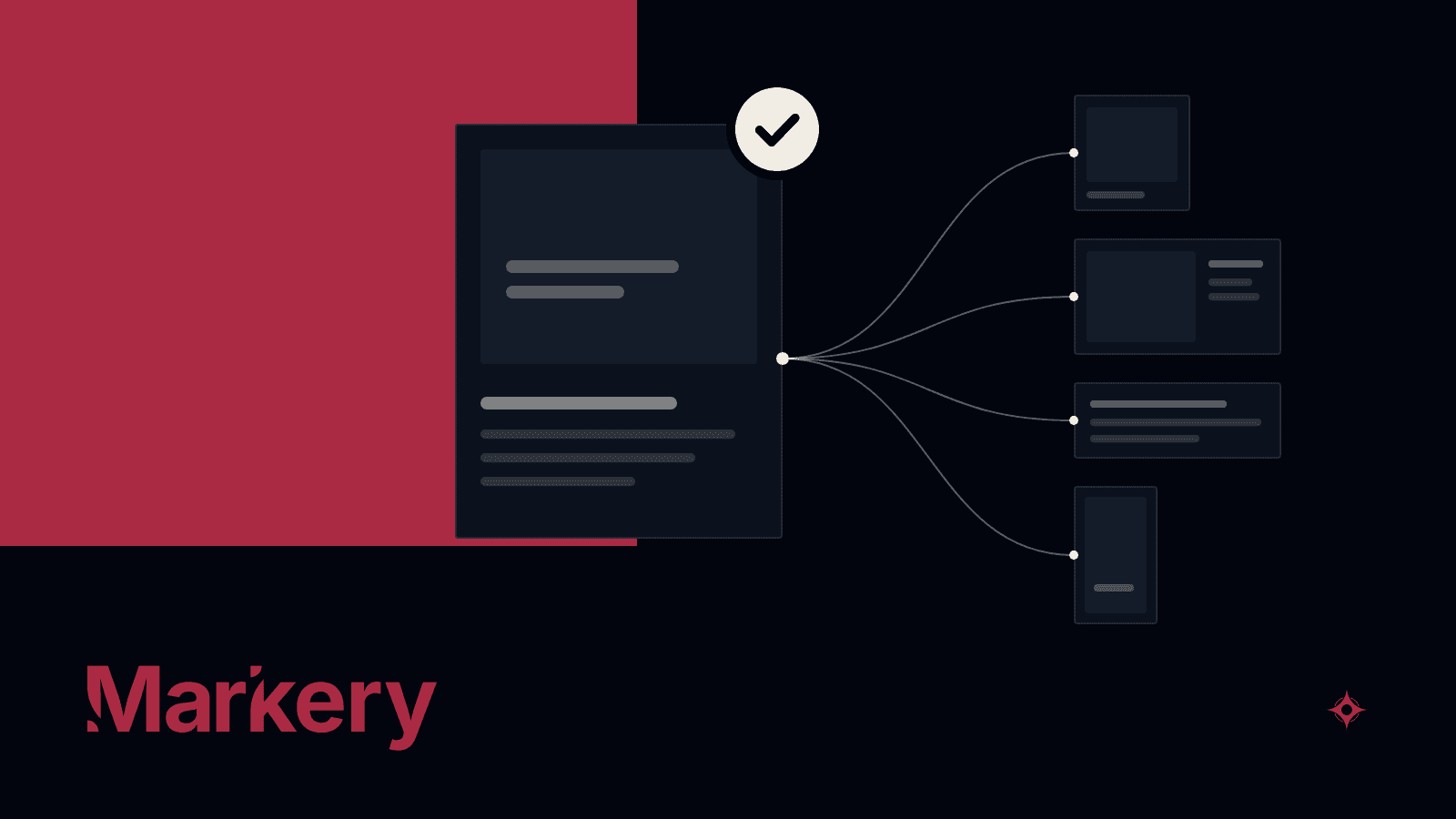
Out of an approved topic come posts written for each channel, format and language, and every one of them goes through review. They are published only once someone in the space signs off, right away or on their own at their scheduled time. Where there is no automatic publishing, a step-by-step guide walks you through posting by hand.
The previous post about Markery covered each brand's space, where its team works, each person with their role, and the agent each of them connects. This post follows content from the moment it is an idea on the board until it is published, for one brand or for several.
From the ideas board to a locked topic
The path starts in Social, Markery's social media module, on an ideas board with four columns: Idea, Researching, In review and Topic. Ideas and their research are added by the team by hand or by the agent, which reaches Markery over MCP. Each column has a step-by-step guide for the team and for the agent.
When an idea is approved, it becomes a topic. A topic is born locked, and unlocking it is up to a person on the team. That way, what was decided stays put while the posts are being written.
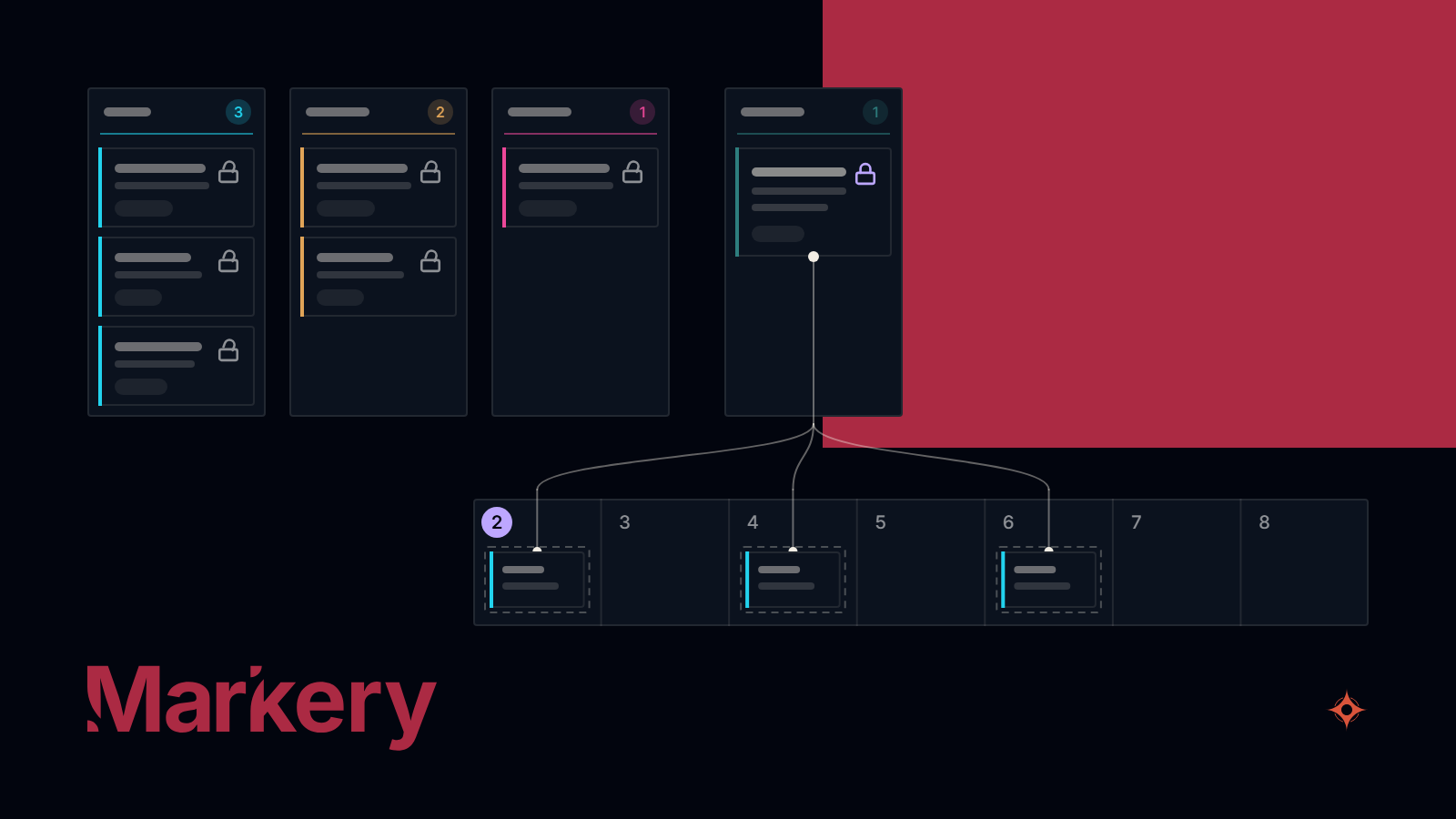
A topic gives rise to several posts, which take their dates from the open slots in the weekly schedule. The calendar opens on the current week, and when you click a slot it first offers the posts waiting for a date and the approved topics, and only at the end a blank one.
The rules of each channel, in the social media manual
Posts are written with the space's social media manual, a document that holds the content pillars, the content mix and, for each channel and format, its rules and its technical specs. The manual is put together by hand, with a wizard or with the agent.
Alongside the manual, the space defines its post types, its channels with their formats and a weekly schedule of slots with exceptions by day. With that, the rules of each channel are written down in the same space where the posts are put together, and they are what people and the agent read when they write one.
One post, several outlets and several languages
Each post is written on its own page, the screen where it is edited. That is where the text, the images and the figures live, whether a person on the team or the agent adds them. Graphics, carousels and videos are designed in another tool and uploaded finished.
A post can go out on several channels, each with its own format and its own text. The preview shows it exactly as it will appear on each one, on phone and on desktop. A thread on X or Threads is a chain of parts, each with its own images or video, and a carousel goes out in the order of its slides.
Each outlet can also go out in several languages, from a catalog of 42 variants.
In Markery each language is a separate post, with its own title and its own address, and not a translation pasted under another one.
Review and sign-off
When a post is ready, it moves to review and enters the Approvals queue. Whoever can approve in the space moves it forward from that queue or from the post's own page.
Moving a post past review is signing off on it, and without that sign-off the post does not go out, neither right away nor at its scheduled time.
Someone from outside, such as the client you work for, can look at the post through a review link, without creating an account, and approve it or comment on it. Their decision is recorded, but it is not a sign-off: to publish, Markery only counts the sign-off of someone in the space.
The agent can send posts to review, and the person who connected it can give it permission to schedule, which is off by default. With that permission, a post the agent schedules is signed off in that person's name when they can approve in the space. If they cannot, the post stays scheduled without a sign-off and does not go out.
How it goes out: right away, on schedule or by hand
There are three ways for a post to go out, and the two automatic ones wait for the sign-off.
- Publish now. The post goes out immediately on the channels with automatic publishing.
- Schedule. The post goes out on its own at the time set in the calendar, and a channel can have its own time, later than the rest.
- Publish manually. Where there is no automatic publishing, as with Medium, the post goes out with a step-by-step guide that puts the package together and walks you through it language by language.
Today automatic publishing reaches YouTube through the channel's Google account, the space's blog and a custom integration that delivers the post to the brand's own system. For X, LinkedIn, the company's Google Business Profile, Instagram and Threads, you add in Connections the account you already have with a compatible social media publishing tool.
If no account is connected, the post goes out by hand. Facebook, TikTok, Pinterest, Bluesky and Mastodon have no automatic publishing from Markery.
Each outlet leaves its trail, with the time it went out and its link, and the post shows as published only once every outlet has gone out.
The space's blog, one article per language
System is the module where the blog and the integrations live. In its Blog section, each space sets up its own in one of three ways: hosted by Markery; read from your own site through a public API, with an authenticated notice from Markery on every update; or mounted on your domain, once it is verified.
Each article goes out per language, with its fixed address and what search engines need (sitemap, RSS, canonical and hreflang), and only after approval.
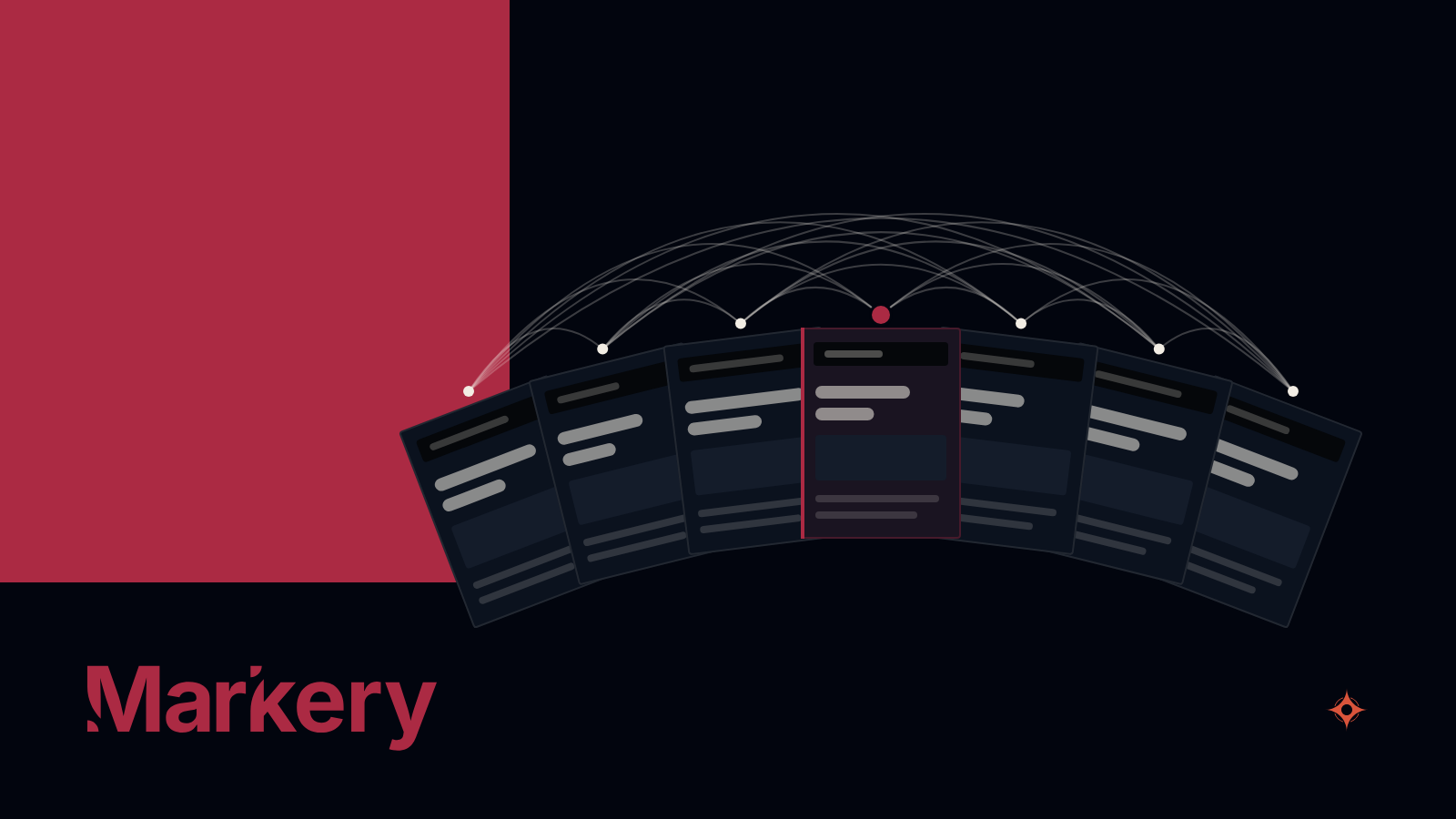
The blog is published by Markery or by the custom integration, never by both. The custom integration works with authenticated messages and encrypted secrets, and it publishes nothing until it passes a test run from the app. Its addresses, webhooks, secrets and keys are entered only in the app, and the agent neither creates nor changes them.
A post can also promote an article, such as an update on the Google Business Profile that leads to it, and it does not go out before the article.
Where it fits among content tools
There are other ways to handle a brand's content, each good at something different, and Markery is one more option. This is how each one worked in September 2026, when they were surveyed.
- The design editor with a brand kit. It produces the final design, many people already work in it and, in some cases, it schedules posts, but it does not keep the strategy or the rules of each channel.
- The social media publishing tool. It reaches many networks, has mature analytics and, in some cases, client approval. Many already ship a connector for agents, but they do not keep the brand's voice or rules for the agent to read.
- The writer with a brand voice. It produces a lot of text in several voices, but in most cases it does not publish, and the brand's voice stays stored inside its own generator.
Markery does not design the posts: it receives them finished, and it can publish through the account you already have with a compatible social media publishing tool. It fits if what the agent puts together has to come back to a board, a calendar and a review queue, and if you want every post to carry the sign-off of someone on the team before it goes out on its own. It also fits if your articles have to go out on your own site in several languages.
It does not fit if what you need is to design the posts, to publish on channels Markery does not reach, or to have something go out on its own without anyone signing off. Nor does it replace the analytics of a publishing tool, because it does not bring in the networks' numbers on its own.
Markery is in production and you can open it today.
No sign-off, no post.